One workflow — listen in the consult, or dictate after
Prepare, capture audio, make the draft yours, and finalise. Audio only — never video. Desktop (Mac and Windows) is home — listen in the room or on a call. Phone is the room recorder. Watch is recorder-only. Web is the fallback console when you cannot install. Same account, same drafts. OLI listens or takes dictation, then structures; you remain the author of the record.
Prepare
On desktop, choose the template that fits the encounter, read consent if required, then press Transcribe. Phone can start the same session in the room; watch starts recording only.
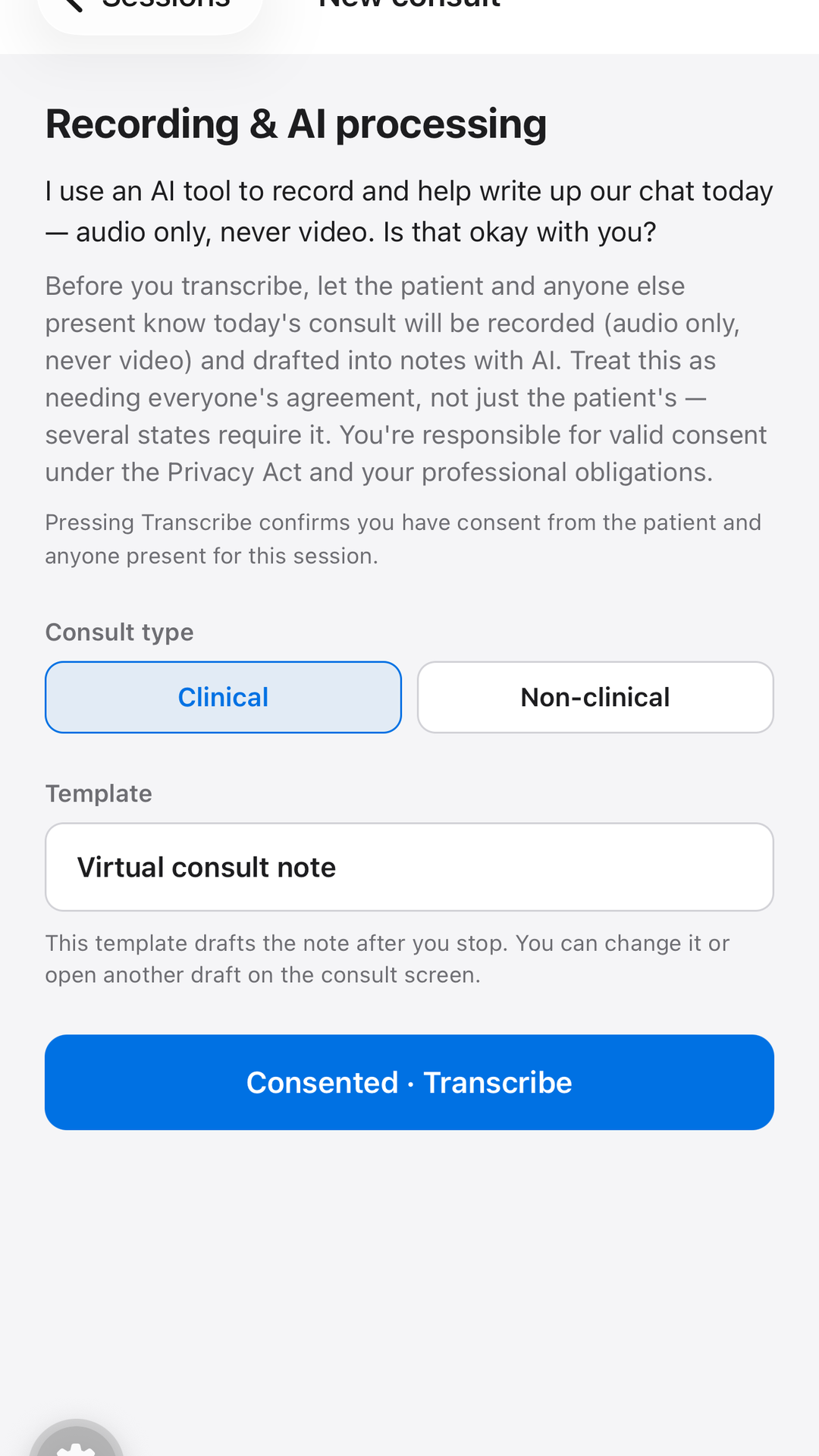
- Desktop first — in the room, on a call, or dictate after
- Phone second; watch last — both mic-only
- Consent attestation logged per session
- Upload continues if the network drops briefly
Capture
Desktop (Mac and Windows) is the home listener — mic in the room, or mic + call audio for telehealth without a tab-share dance. Phone is the next-best recorder. Watch is recorder-only from the wrist. Web can listen in Chrome or Edge if you share the call tab; Safari and Firefox stay mic-only. We never record video.
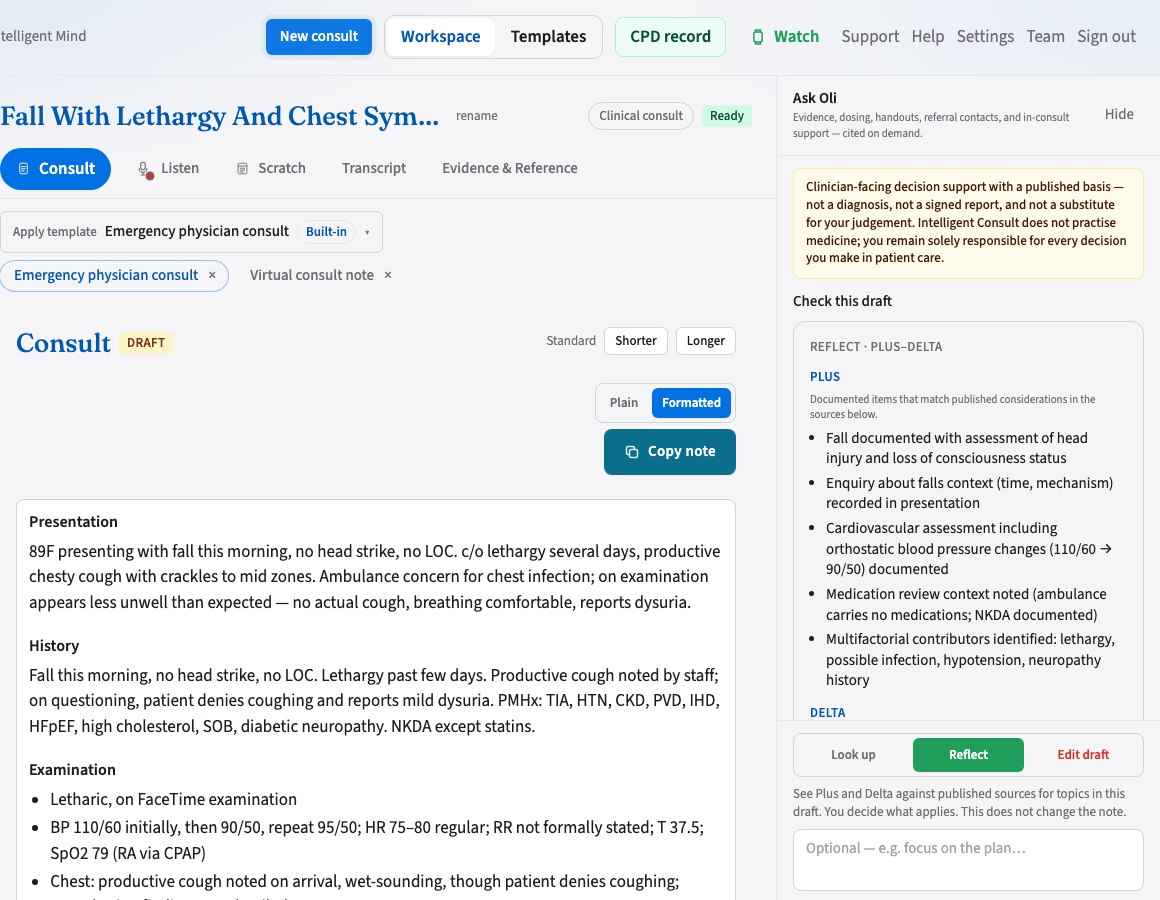
- Required sections show "Not documented" when unsupported
- Call audio is strongest on the desktop app; Chrome/Edge is the browser fallback
- Dictate after the visit, or record again to add speech into the same note
Make it yours
Open the consult workspace on desktop — or in the browser if that is your computer. Edit sections, chat-revise, or look up published evidence. Reflect checks the draft against sources — it does not write into the note.
- Listen & Dictate, Consult, and Evidence & Reference tabs in one place
- Chat-revise produces a new draft for your approval
- Ask Oli looks up published guidance you apply — not a diagnosis, and answers stay out of the note
- Hours on the CPD record exist only after you write a reflection
Finalise
When satisfied, finalise on desktop — or in the web console if you cannot install the app. Until then, everything remains a draft. Phone can glance; the watch is not a review surface.
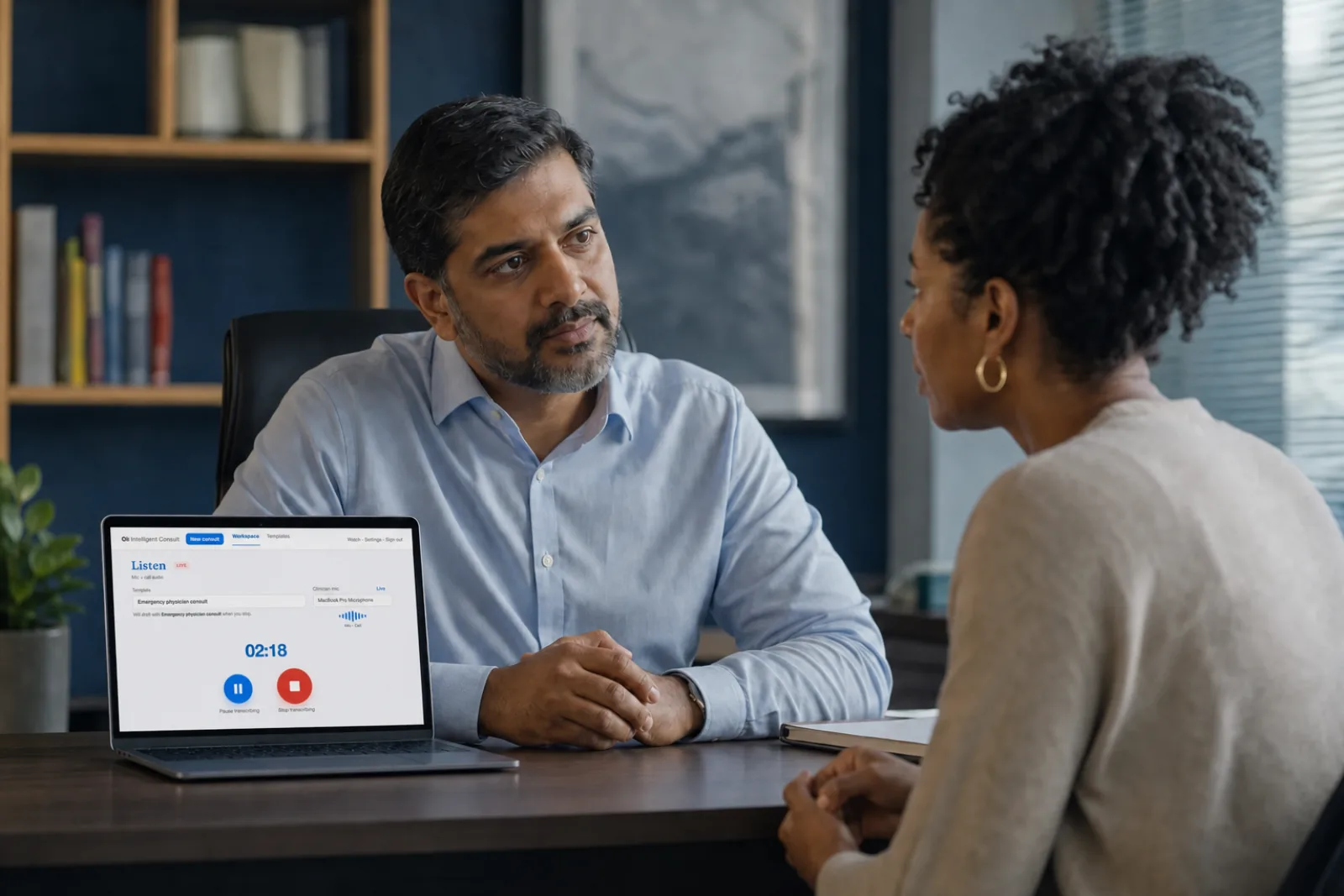
- You are the author of the document
- Copy the finished note into the clinical system you already use
- Reopen workflow if your organisation allows
Recording doesn't need a perfect setup
Use the same documentation workflow at the desk, in the room, on a call, or when you dictate after — for a consult, a letter, a meeting, or anything else you need to write up.
In-person
Desktop first in the room. Phone second. Watch last. Same account.
Dictate after
Speak the note or letter yourself. Same Transcribe path.
Video call
Desktop app preferred for mic + call audio. Chrome/Edge if you cannot install. Never video.
Phone consults
Mic-only with the phone on speaker — phone app, or watch from the wrist.
Meetings & interviews
Same workflow for non-clinical conversations you need to write up.
Web console
When a clinic PC cannot install the app. Phone and watch drafts land here too.
The scribe drafts notes for your review. How Ask Oli works · CPD record · FAQ