A workspace that keeps you in charge
Finish on desktop (Mac or Windows) — or in the web console if you cannot install the app. Capture may be on desktop, phone, or watch; the draft is the same session. OLI prepares it; you decide what becomes part of the final record.
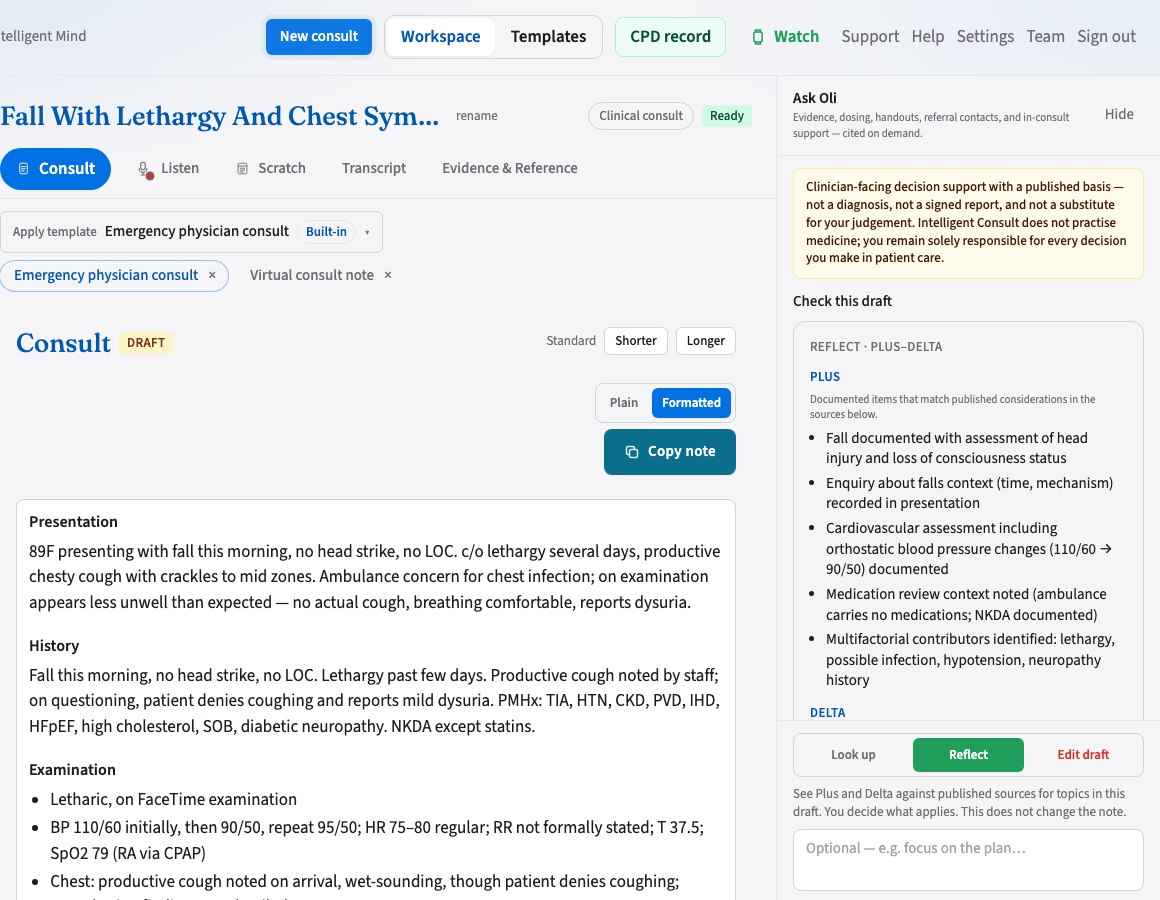
One workspace, every session
One session flows from recording through review — not separate record and review apps. Capture preferably on desktop; phone or watch in the room; review in the desktop app or the web console if you cannot install.
Listen & Dictate
Transcribe, pause, record again, or speak the letter. Monitor upload progress.
Consult tab
Section editor, chat-revise, and finalise in one view.
Evidence & Reference
Ask Oli looks up published guidance, dosing, handouts, and referrals informed by concepts in the draft. You apply the criteria. It is not a diagnosis, answers are not written into the note, and we do not claim TGA approval. Lookups can be entered in your CPD record.
The same tabs work whether you listen in the room, dictate after, or write up a meeting or interview.
When the conversation does not support a required detail, the draft says “Not documented” rather than inventing it.