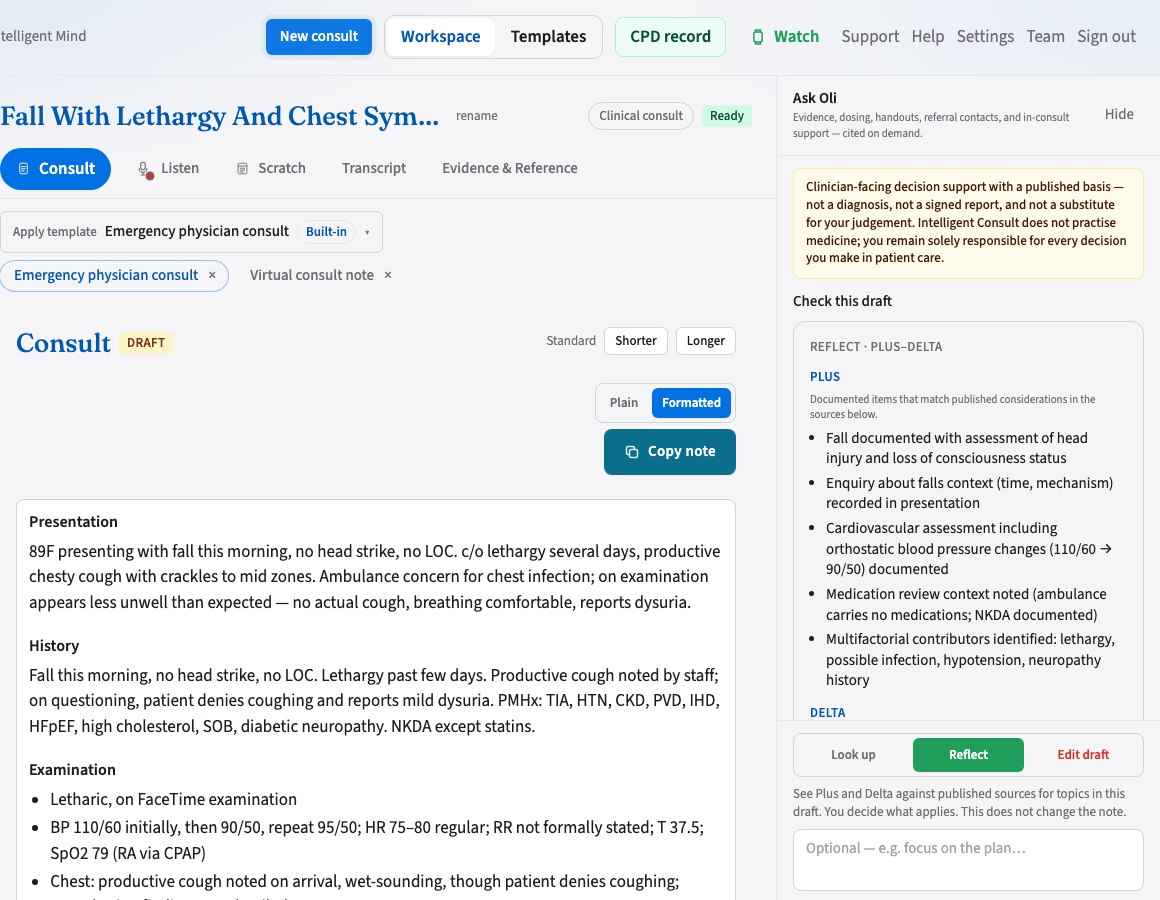
Choose a template before Transcribe on desktop. Last-used is remembered per clinical or non-clinical mode.
Built-in templates
58 ready-made structures for GP, specialty, allied health, meetings, and interviews. Good starting point for most clinicians.
Custom templates
Edit section layout manually in the template editor. Full control over labels, required sections, and prompts.
Tell OLI
Describe what you need in plain English. OLI proposes a structure — you approve before saving. Ask at most two or three clarifying questions, and only when the answer genuinely changes the template. When a sensible default exists, use it instead of asking.
Required sections
Medico-legally necessary sections never disappear. If the transcript does not support them, the note shows Not documented.